
One vendor-neutral platform for every quantum system
Quantum EDGE works with the control electronics, cryostats, and quantum devices you already own, and stores every measurement, parameter, and result in one place to enable progress for your whole team.
Parameter version history
Everything your lab runs on, in one place
Your team works in the browser; the Quantum EDGE SDK runs beside each system. Select a feature to see how.
SDKSDK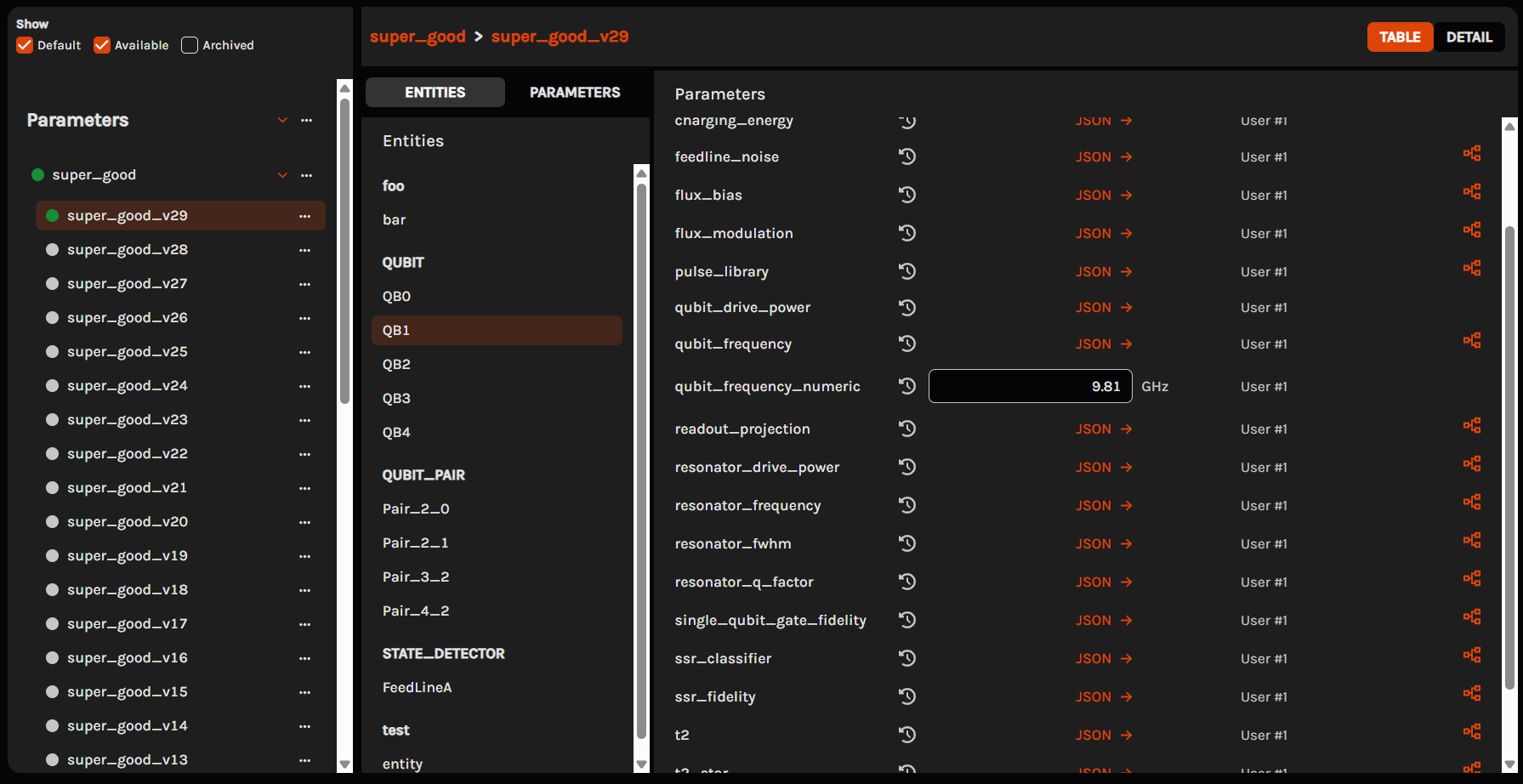 Parameters
Every parameter versioned and traced to the run and person behind it.
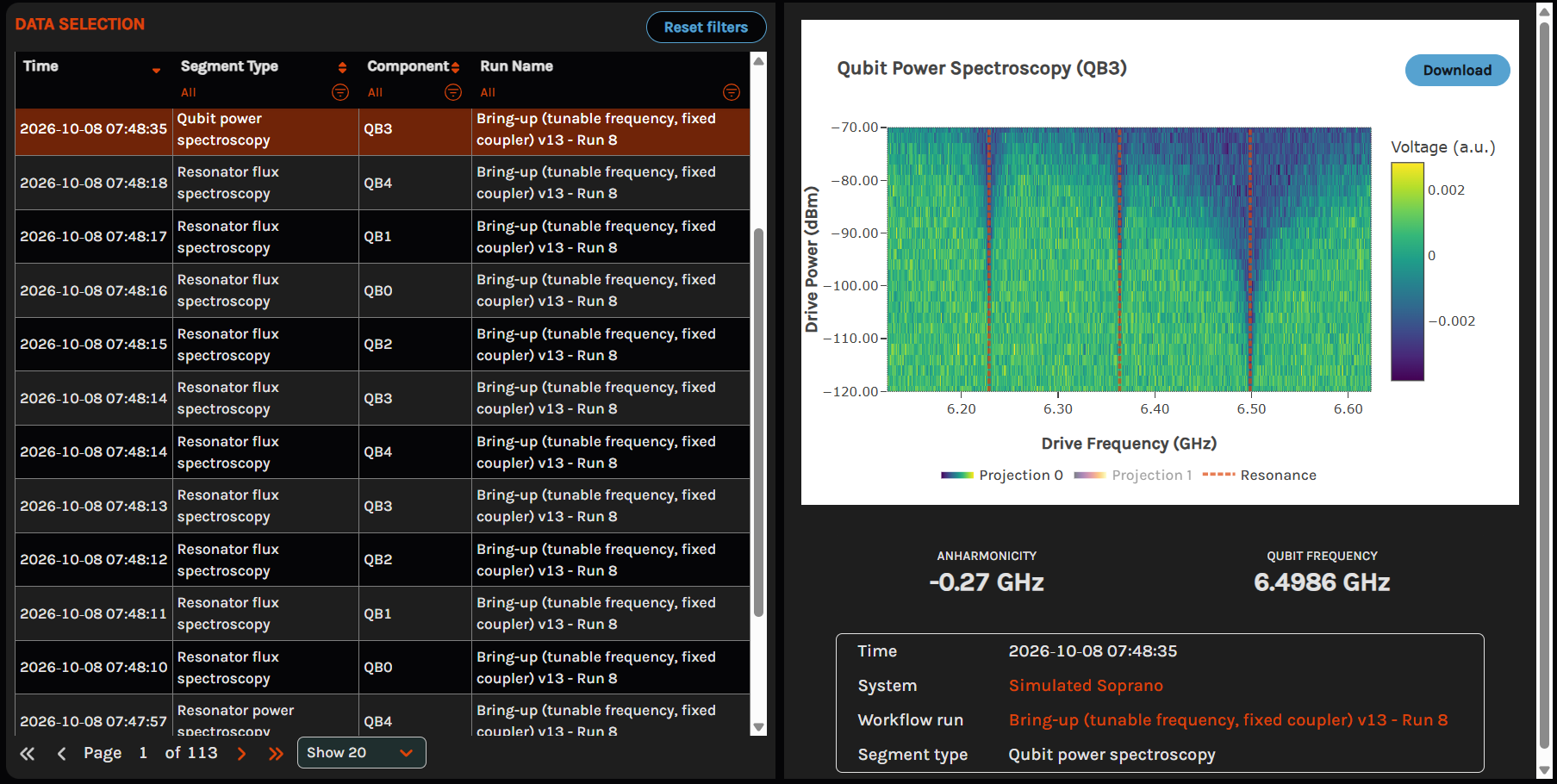 Data and plots
Every measurement with its plots and extracted values, by run, component, and type.
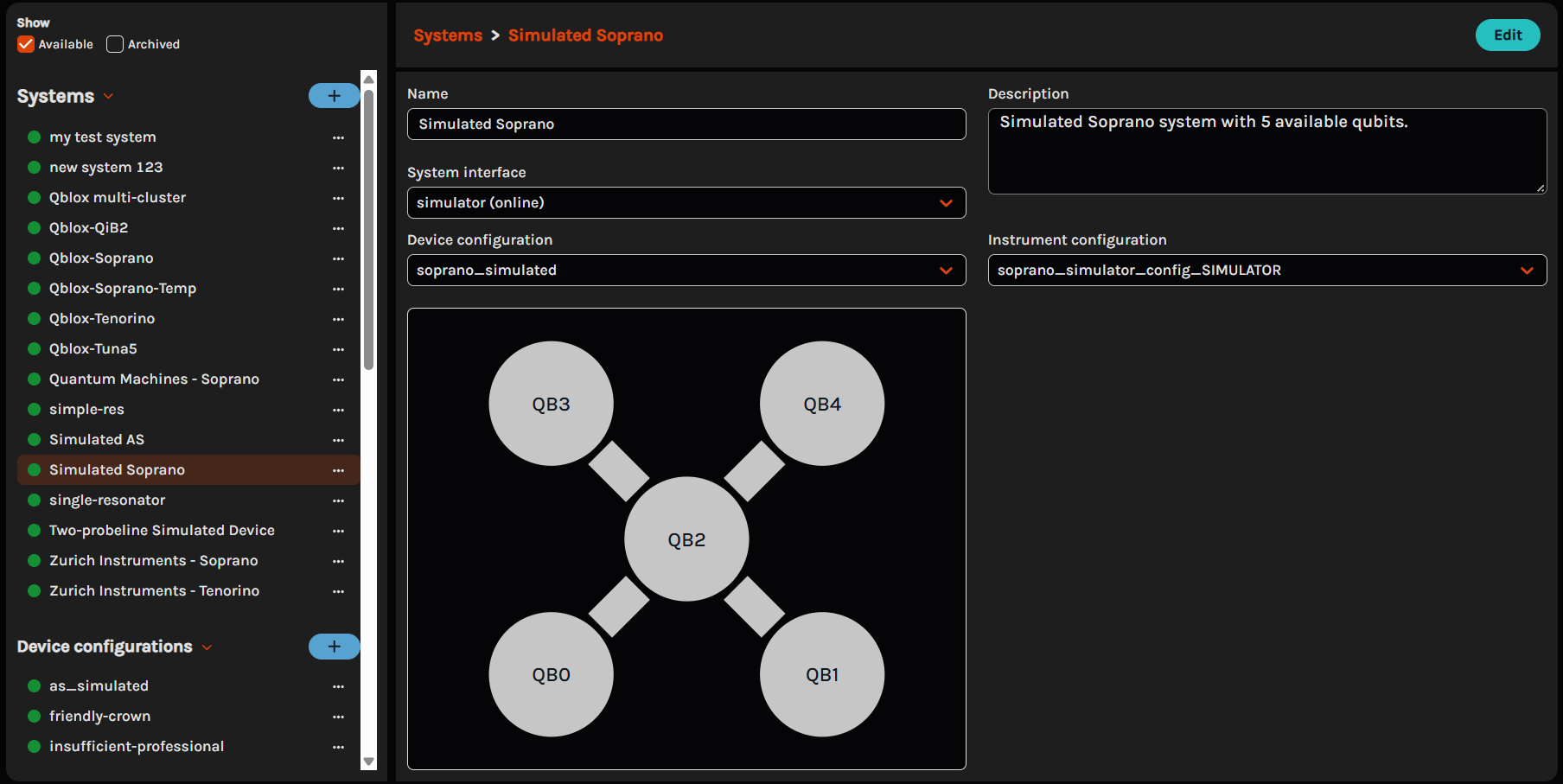 System configurations
Device and instrument configurations for every system, kept with the record.
SDKSDKSDK Authenticated login
Every user signs in to their own account, so each result is traced to the person behind it.
 A workspace for every system
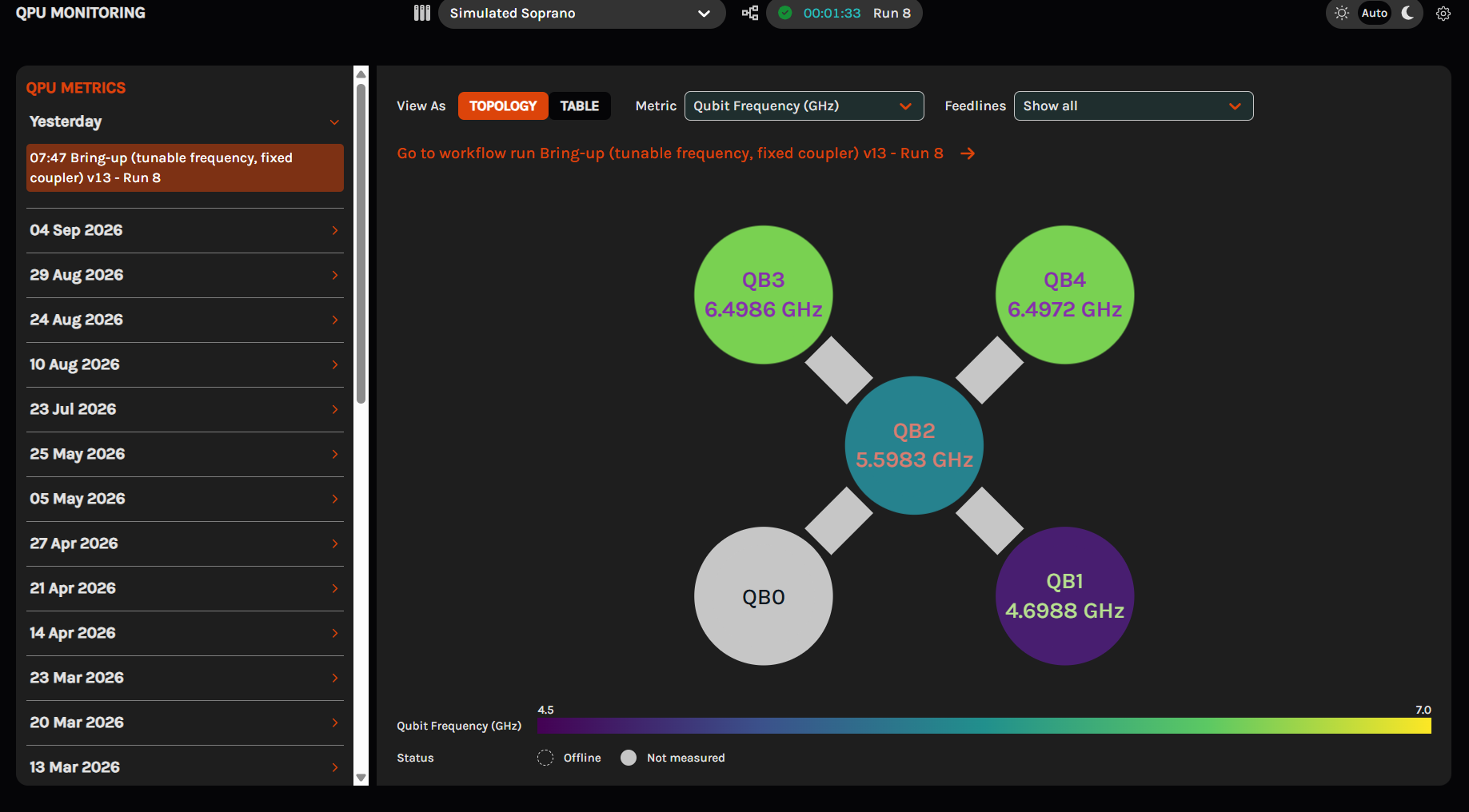
Each system has its own dedicated workspace, so teams can run several systems in parallel.
 Simulated systems
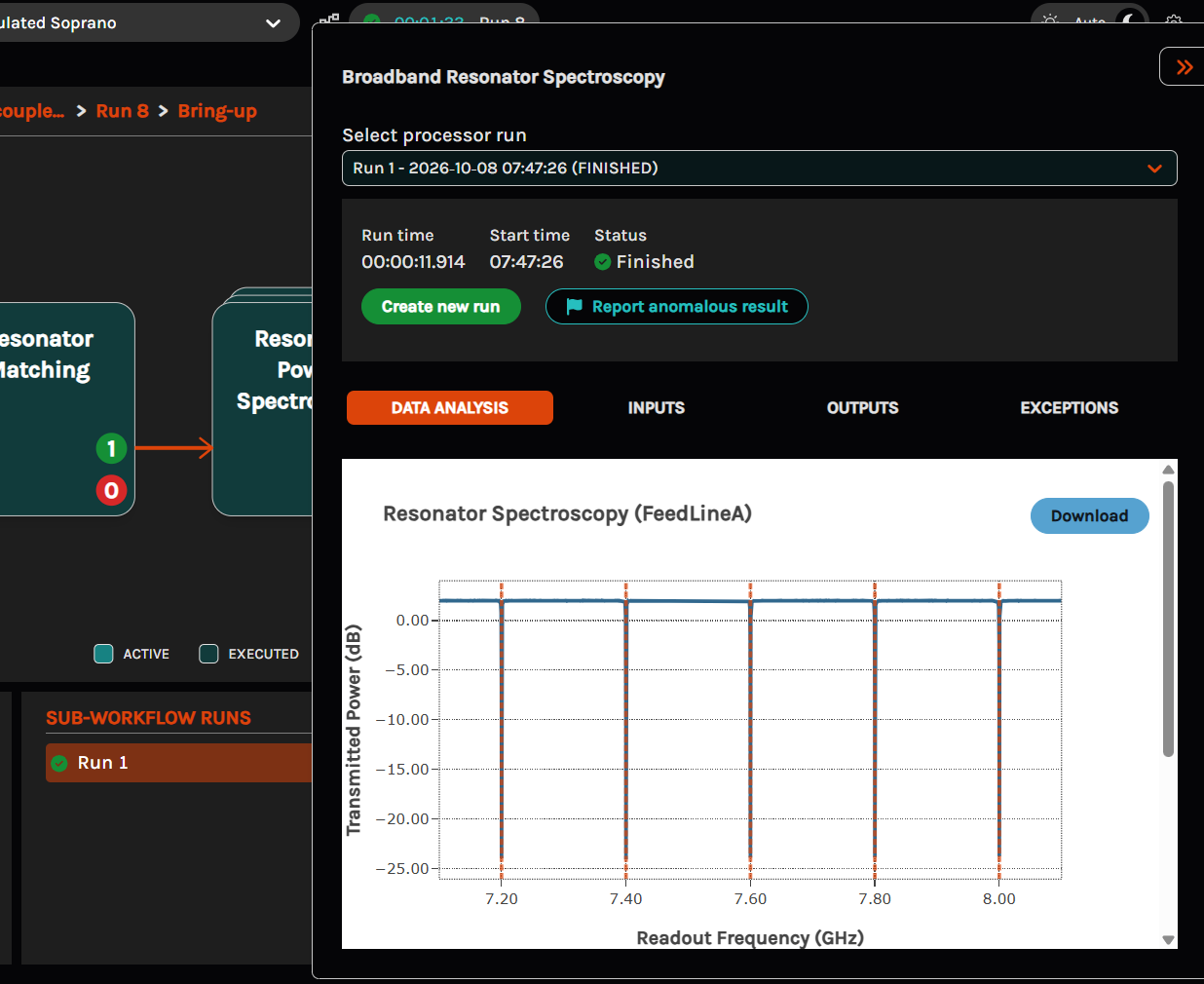
Create a simulated system to try new experiments before they reach the hardware.
SDK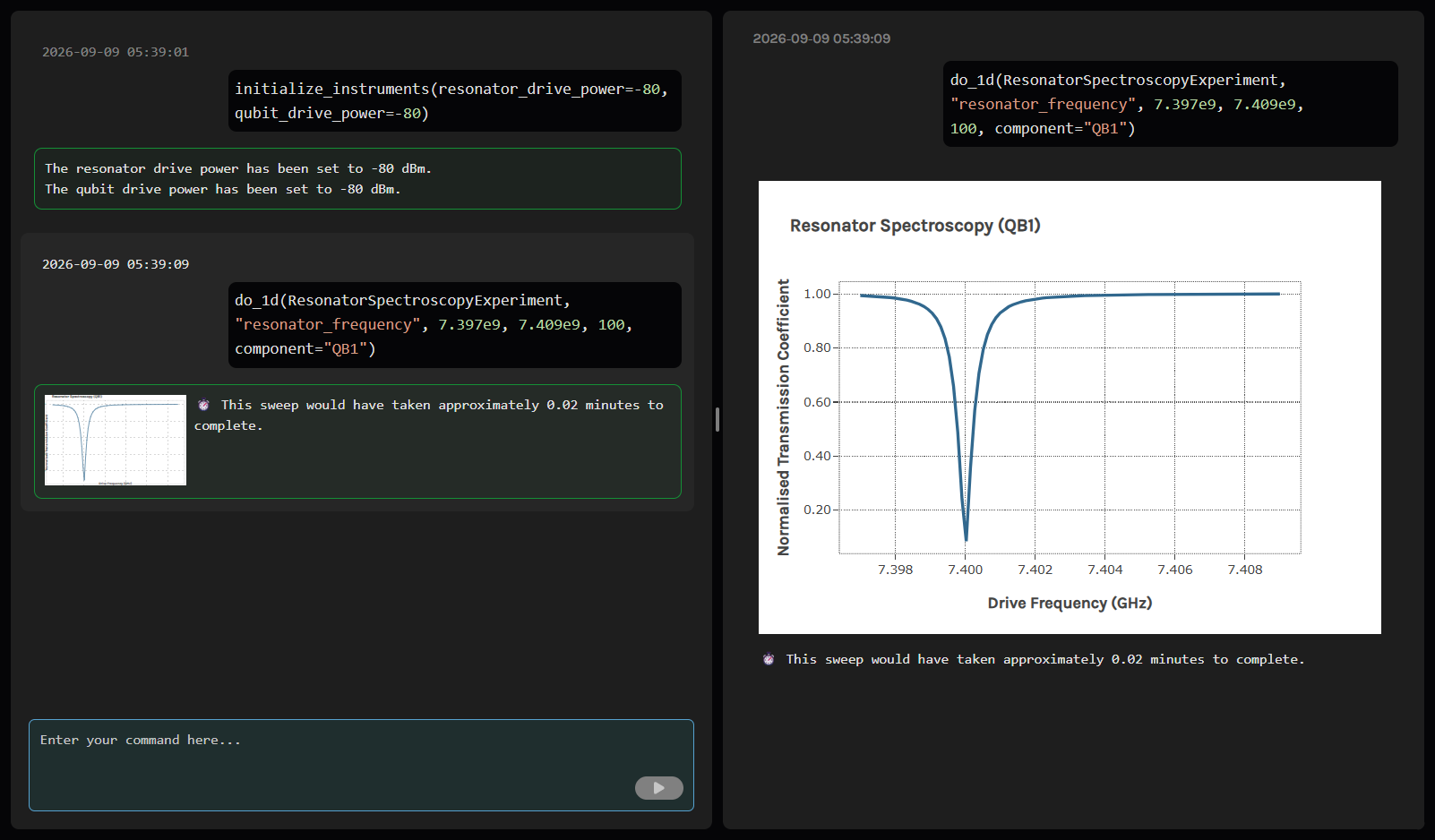 No remote desktop
Run and steer experiments live from the browser, without logging in to a computer in the lab.
do_2d(QubitPowerSpectroscopyExperiment,
      "qubit_drive_frequency",
      4.3e9, 4.8e9, 100,
component="QB1")Type each step as a Python call, or ask your own AI models through the AI framework.
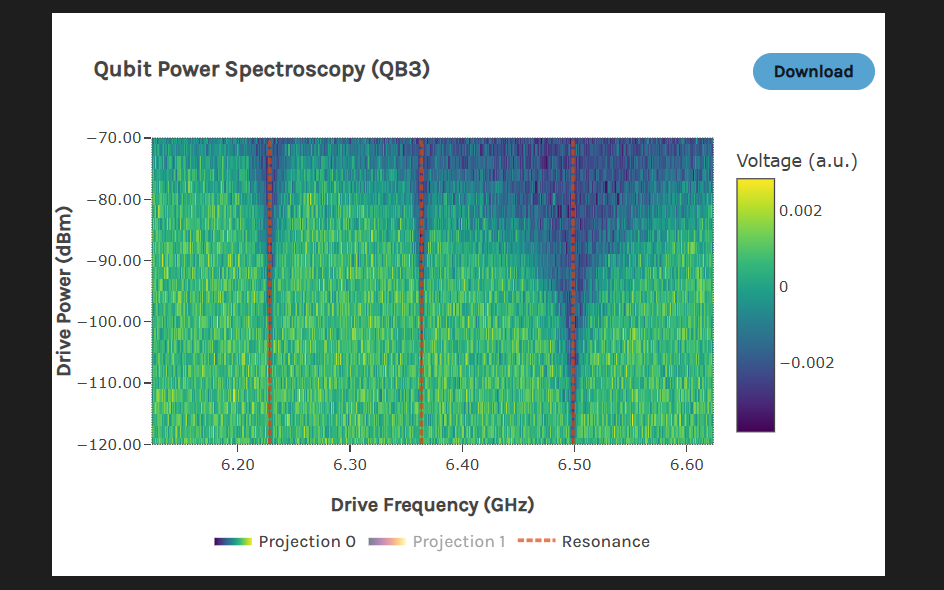 Live, interactive plots
Results plot as each measurement runs, ready to zoom, inspect, and compare.
SDKwith session("device_1"): QubitSpectroscopy.run_batch( component=qubits) device.get("QB1").qubit_frequency 4702852880.193906
Run any measurement from a script or notebook, and read results straight back.
parameters.set("resonator_frequency",
               "QB1", 7.4045e9)
Every Experiment Timeline step is a Python call to the SDK, so you can reuse it in your own scripts.
$ pip install quantum_edgeInstall the Quantum EDGE SDK like any other Python package.
SDKSDK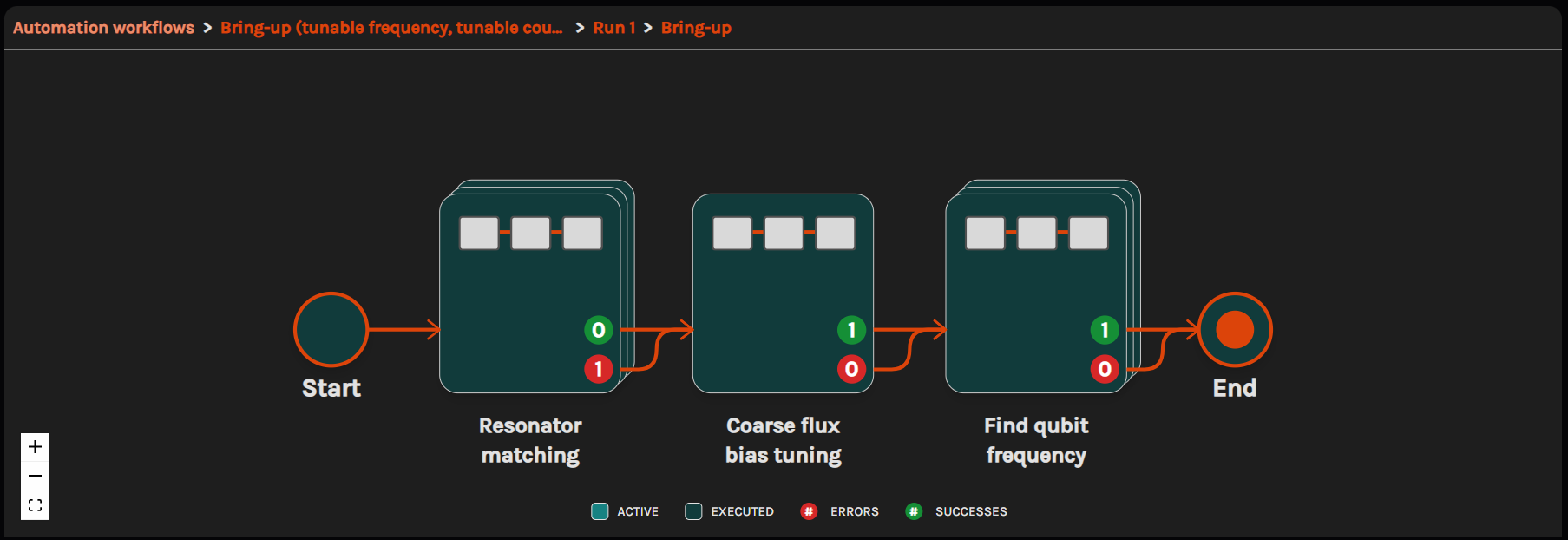 Not just another DAG
Your workflows branch on results, retry failed steps, loop until they converge, and nest inside each other.
 Watch it run from anywhere
Follow progress and results live in the browser while the routine runs on your system.
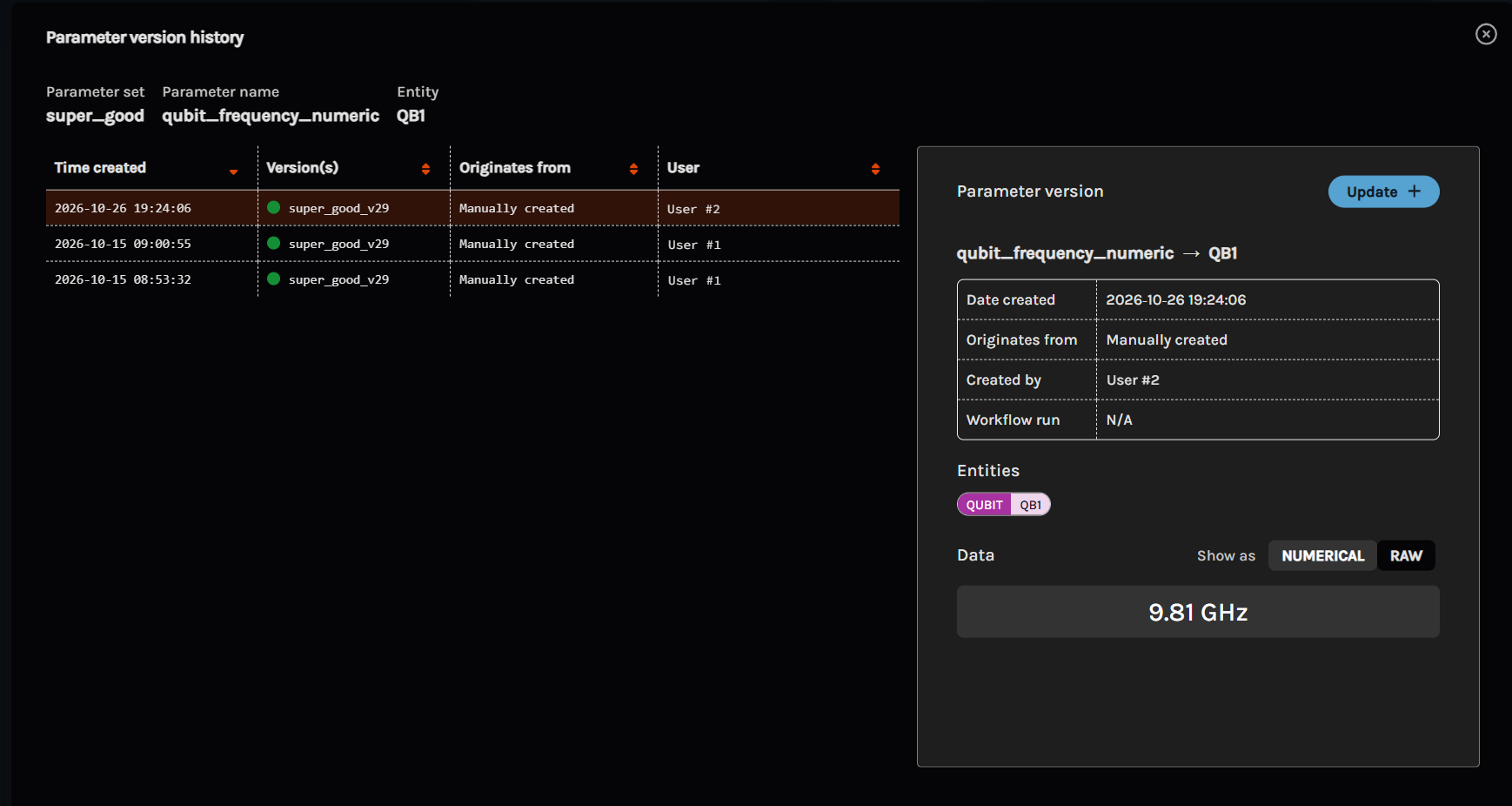 Results update the parameters
Each run writes its fitted values back to the record, so the next step starts from them.
SDK



Ready-made templates for Qblox, Zurich Instruments, Quantum Machines, and more, written with each vendor’s own library.
experiments/
  resonator_spectroscopy.py
  qubit_spectroscopy.py
  rabi.py
cphase_experiment.pySuperconducting and spin qubits, from first spectroscopy through to two-qubit gates.
workflows/
  qubit_bringup.py
qubit_pair_tuning.pyExperiments, workflows, and analysis pipelines, each ready to adapt or to use as the starting point for your own.
Works with the hardware you choose
Control electronics
- Integrate your own
Cryogenics



Quantum devices

 Rigetti

- Integrate your own
Open source
and more